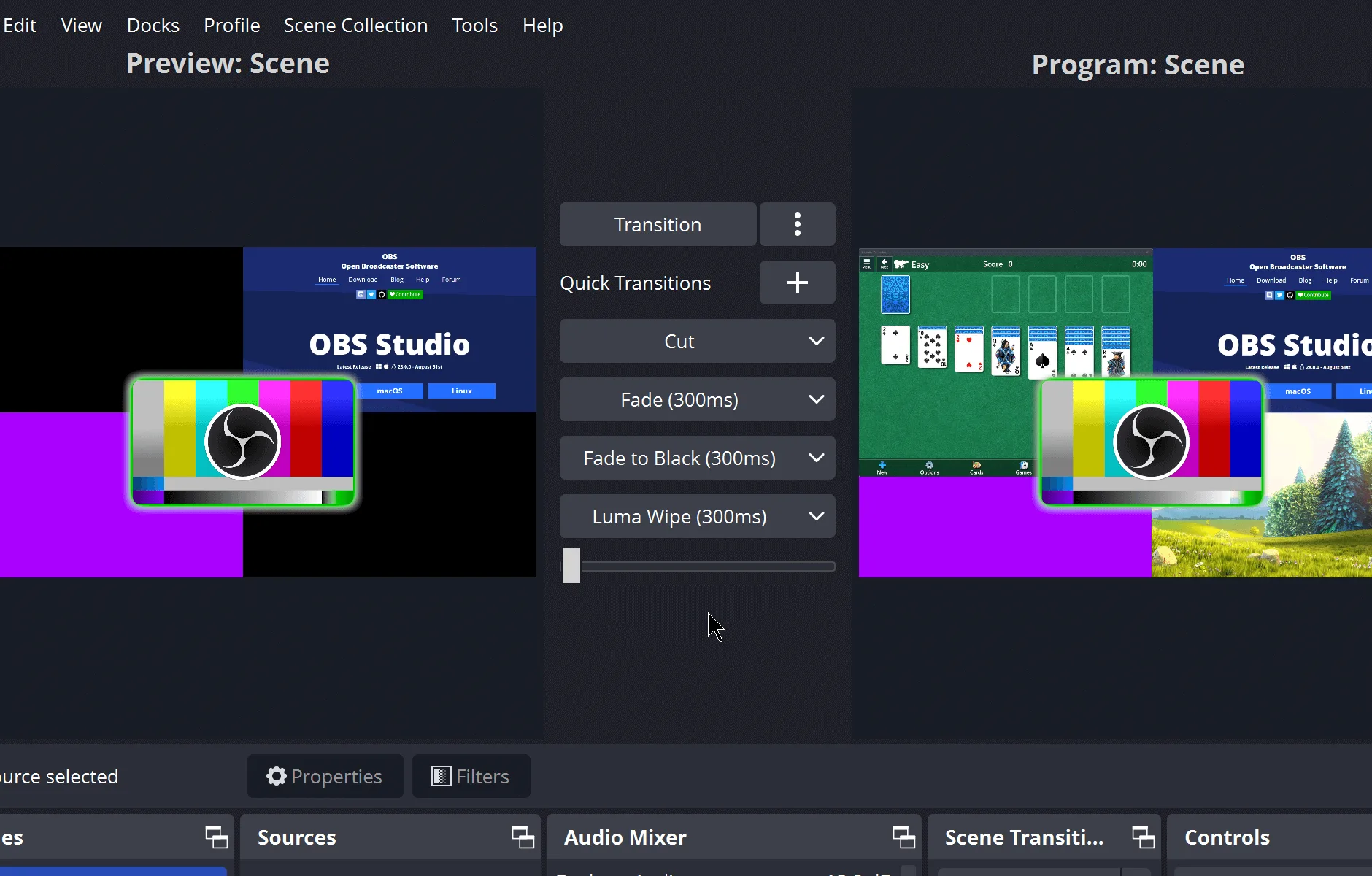
OBS Studio is an independent install guide for the OBS Project desktop app. It links every installer to the official GitHub release. Official project surfaces stay on github.com/obsproject/obs-studio, GitHub Releases, and obsproject.com.
| Item | Value |
|---|---|
| Publisher | OBS Studio editorial team |
| Kind | Organization |
| Product | OBS Studio |
| License | GPL-2.0 on COPYING |
| Windows command | winget install -e --id OBSProject.OBSStudio |
| File host | GitHub Releases, same account as the repo |
| Review date | 2026-09-02 |
| Ads | Off |
Who writes the guides
The byline is OBS Studio editorial team. Kind is Organization. There is no named person on the notes, and there is no personal profile URL. The team checks the Windows winget id OBSProject.OBSStudio against microsoft/winget-pkgs and the repo README on each review date, then updates last verified. That practice is the whole bio. The rule behind a check lives on the editorial policy. Factual drift goes through contact.
The OBS Project desktop app is a Windows program for live streaming and screen recording. You build a scene, pick sources, then record locally or send a stream to a platform you already use. Local recording does not need an OBS Project account. Scenes and files stay on the PC unless you start a stream. Those claims come from the README and the winget locale yaml, not from a guessed benchmark.
Frequently asked questions
What the notes cover
Home is the short install path: paste the winget command, or open the current GitHub release and pick the Windows x64 installer. The command is:. That answer stays tied to OBS Studio on Windows x64, the current GitHub release, and the winget id OBSProject.OBSStudio mapped in this guide.
How the notes are funded
Ads are off. Ad IDs stay empty. There is no affiliate cut on winget, GitHub, or obsproject.com. Guides are not for sale. Payment from the OBS Project for a filename, a rank, or a command is absent. The advertising disclosure covers that. The privacy note matches: analytics are none, ads are off.
How to send a correction
If a command, path, or filename here disagrees with the README or winget-pkgs, send four facts on contact: the URL that is wrong, the sentence as it stands, the official source that disagrees, and the sentence that source supports. Product bugs in the desktop app itself belong on GitHub Issues for obsproject/obs-studio. There is no public email on the guides. Last verified and the current release tag on the stamp come from GitHub at build.