Official sources for a safe install
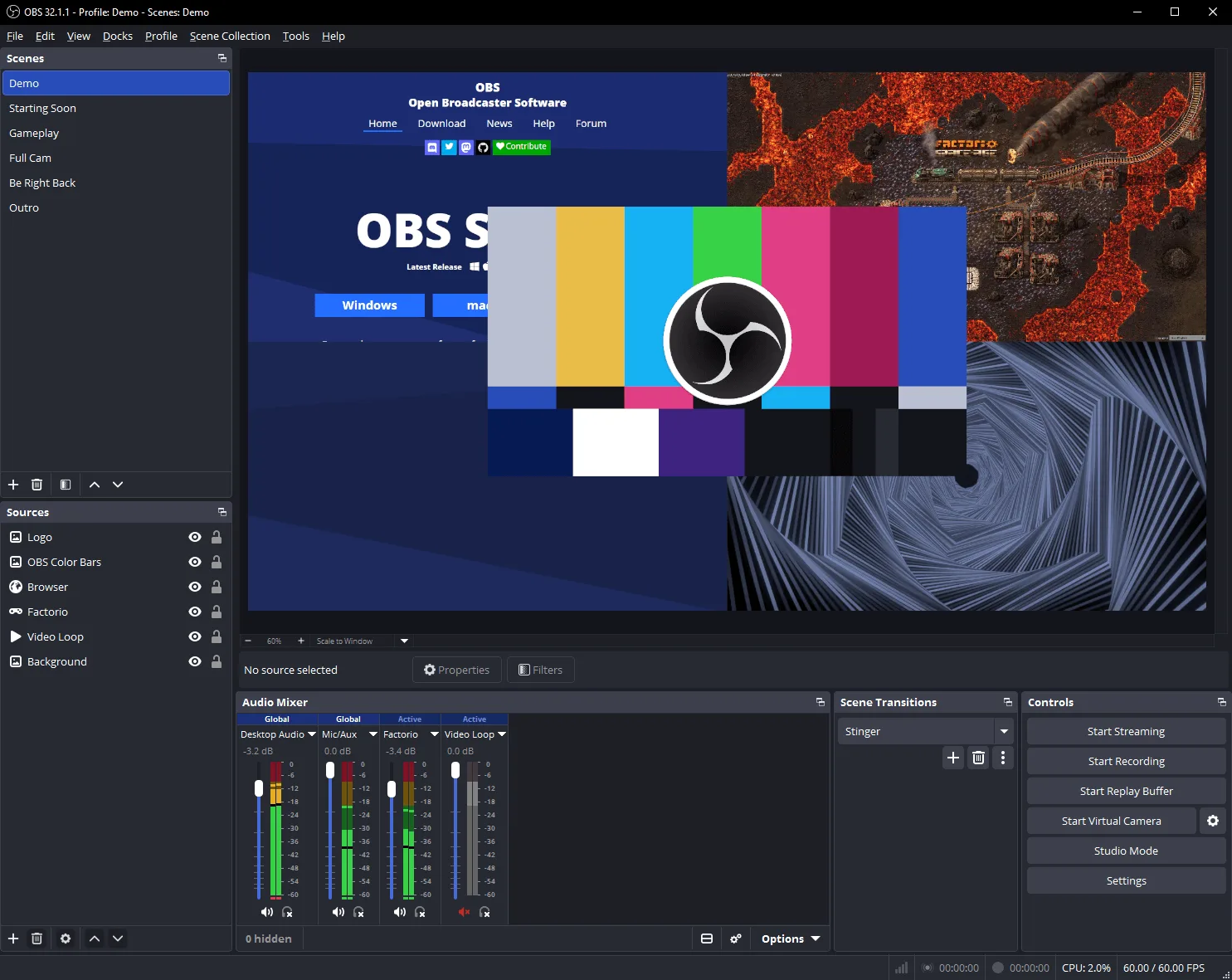
OBS Studio is safe to install on Windows x64 when the bits come from the OBS Project surfaces of record. Those surfaces are the obsproject/obs-studio repository, GitHub Releases for that account, obsproject.com and its download page, and Windows Package Manager id OBSProject.OBSStudio in microsoft/winget-pkgs. The winget InstallerUrl points at the GitHub Windows x64 Nullsoft exe. Related: download safely, releases, GitHub overview.
Run the catalog command when App Installer is present:
winget install -e --id OBSProject.OBSStudioOr take OBS-Studio-*-Windows-x64-Installer.exe from the current GitHub tag. Say the current release. Do not freeze a dotted number from a blog screenshot.
Licence and what you can read
The licence is GPL-2.0. File COPYING on the repo holds GNU GPL v2 text. GitHub’s licence API reports GPL-2.0. The README allows GNU GPL v2 or any later version. The winget locale yaml points at that COPYING file and names publisher OBS Project. You can read the source, build from the wiki instructions if you choose, and keep using the app without a paid seat. There is no paid tier in the README. Donate links on obsproject.com/contribute are sponsorship paths, not a paywall.
Safety here means provenance and licence clarity, not an invented audit score. If a claim is not in README, COPYING, or release notes, leave it out.
What local recording does with your data
Scenes and recordings stay on the PC unless you stream or upload them. Local record does not require an OBS Project account. A stream uses the platform account you already have. That model is why many people trust OBS Studio for private rehearsals before a public stream. Settings live in folders on the machine. Uninstall removes the app; your saved recordings remain as ordinary files until you delete them.
Red flags on fake download pages
Treat these as unsafe for OBS Studio installs: lookalike domains that are not obsproject.com or github.com/obsproject; countdown gates before a file; bundled “optimizer” offers; filenames that omit OBS-Studio or swap Windows-x64-Installer for a random stub; stores that wrap the exe without naming OBS Project. Softonic-style portals that mirror the product name are still wrappers. Match the pattern OBS-Studio-*-Windows-x64-Installer.exe or the portable OBS-Studio-*-Windows-x64.zip. Skip *-PDBs.zip and Sources archives for daily use.
How to confirm a file you already have
On Windows, prefer the winget path so App Installer resolves OBSProject.OBSStudio from microsoft/winget-pkgs. For a manual exe, confirm the browser URL was github.com/obsproject/obs-studio/releases (or the official download hop on obsproject.com) before the file landed. You can inspect Authenticode when Windows presents publisher information during SmartScreen or UAC. The legal name you want is OBS Project / OBS Studio on the Nullsoft installer flow. Longer checks and SmartScreen wording: download safely.
Updates without leaving the safe door
Update with the same door you used to install. Winget: winget upgrade -e --id OBSProject.OBSStudio. Manual: current OBS-Studio-*-Windows-x64-Installer.exe from GitHub Releases. Portable users replace the unpacked folder. Mixing a random zip from a forum with a winget install is how two copies fight and how fake builds sneak in. Machine map: for this computer. Install path: install on Windows.
Competitors and lookalike names
Streamlabs Desktop is a company desktop based on OBS. XSplit Broadcaster is a paid rival. Game Bar and ShadowPlay are other capture paths. None of those replace the need to fetch OBS Studio from OBS Project URLs when you want this project. Compare: vs Streamlabs, vs XSplit. Leaving Win+G: off Game Bar.
When to stop and re-fetch
Stop if the filename does not match the documented pattern, if the site asks for SMS before download, or if winget proposes an id other than OBSProject.OBSStudio. Delete the file, return to GitHub Releases or winget, and start again. Help: obsproject.com/help. Issues: obs-studio issues.
Frequently asked questions
Is obs studio safe to download?
Yes from github.com/obsproject/obs-studio/releases, winget id OBSProject.OBSStudio, or obsproject.com/download. Match the Windows x64 installer pattern. Related: download safely. Match the Windows x64 installer or winget id OBSProject.OBSStudio against the current GitHub release before you change anything else. Match the Windows x64 installer or winget id OBSProject.OBSStudio against the current GitHub release before you change anything else.
Does obs studio need an account?
No for local recording. Streaming uses the platform login. Related: record locally. Match the Windows x64 installer or winget id OBSProject.OBSStudio against the current GitHub release before you change anything else. Match the Windows x64 installer or winget id OBSProject.OBSStudio against the current GitHub release before you change anything else.
What licence does it use?
GPL-2.0. COPYING on the repo is GNU GPL v2 text. GitHub reports GPL-2.0. README allows GPL v2 or later. Match the Windows x64 installer or winget id OBSProject.OBSStudio against the current GitHub release before you change anything else.
Can winget install a fake package?
Use the exact id OBSProject.OBSStudio from microsoft/winget-pkgs. Do not guess a similar name. Related: winget install. Match the Windows x64 installer or winget id OBSProject.OBSStudio against the current GitHub release before you change anything else. Match the Windows x64 installer or winget id OBSProject.OBSStudio against the current GitHub release before you change anything else.
Where do bugs get reported?
Product issues go to obs-studio issues. Help: obsproject.com/help. Match the Windows x64 installer or winget id OBSProject.OBSStudio against the current GitHub release before you change anything else. Match the Windows x64 installer or winget id OBSProject.OBSStudio against the current GitHub release before you change anything else.